


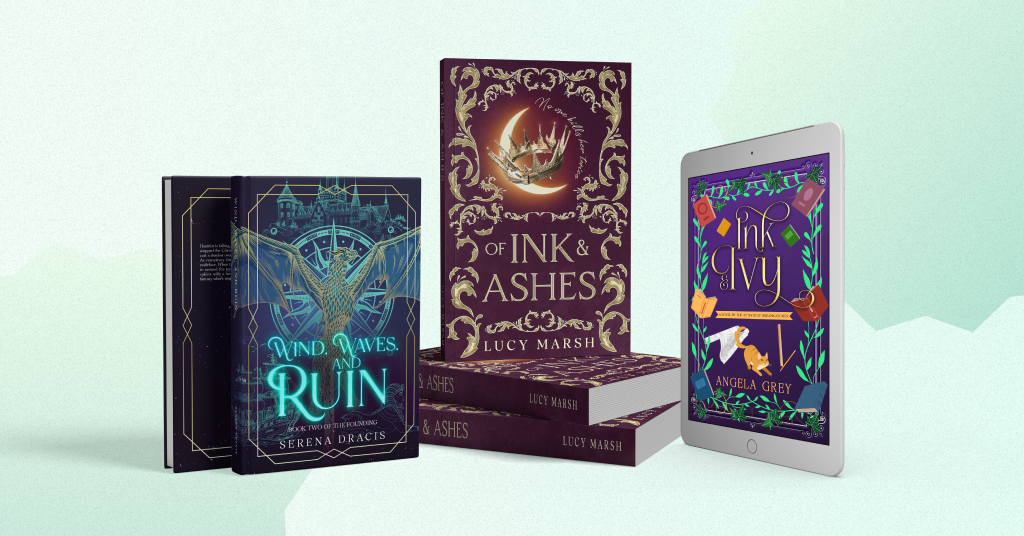

Ever scrolled through social media and instantly stopped at a stunning 3D book image? That’s the power of a good mockup. Book mockups are your secret marketing weapon. They look professional, grab attention, and make your posts stand out without needing a big design budget.
So, let’s discuss how you can use 3D mockups to market your book.
Why book mockups are an excellent marketing tool
A 3D mockup turns your digital cover into something real. It helps readers imagine holding the book in their hands, and that emotional connection is priceless.
Plus, they’re quick and easy to make! You can use free tools like:
Find more tools for mockups and their features in our blog post.
Moreover, you can create a mockup in PNG format with a transparent background. So, you can place your book on any background or scene you like, from cozy desks to magical landscapes.
By the way, if you order a custom cover from Getcovers, we’ll create professional mockups for you, ready to share on your social media or website.
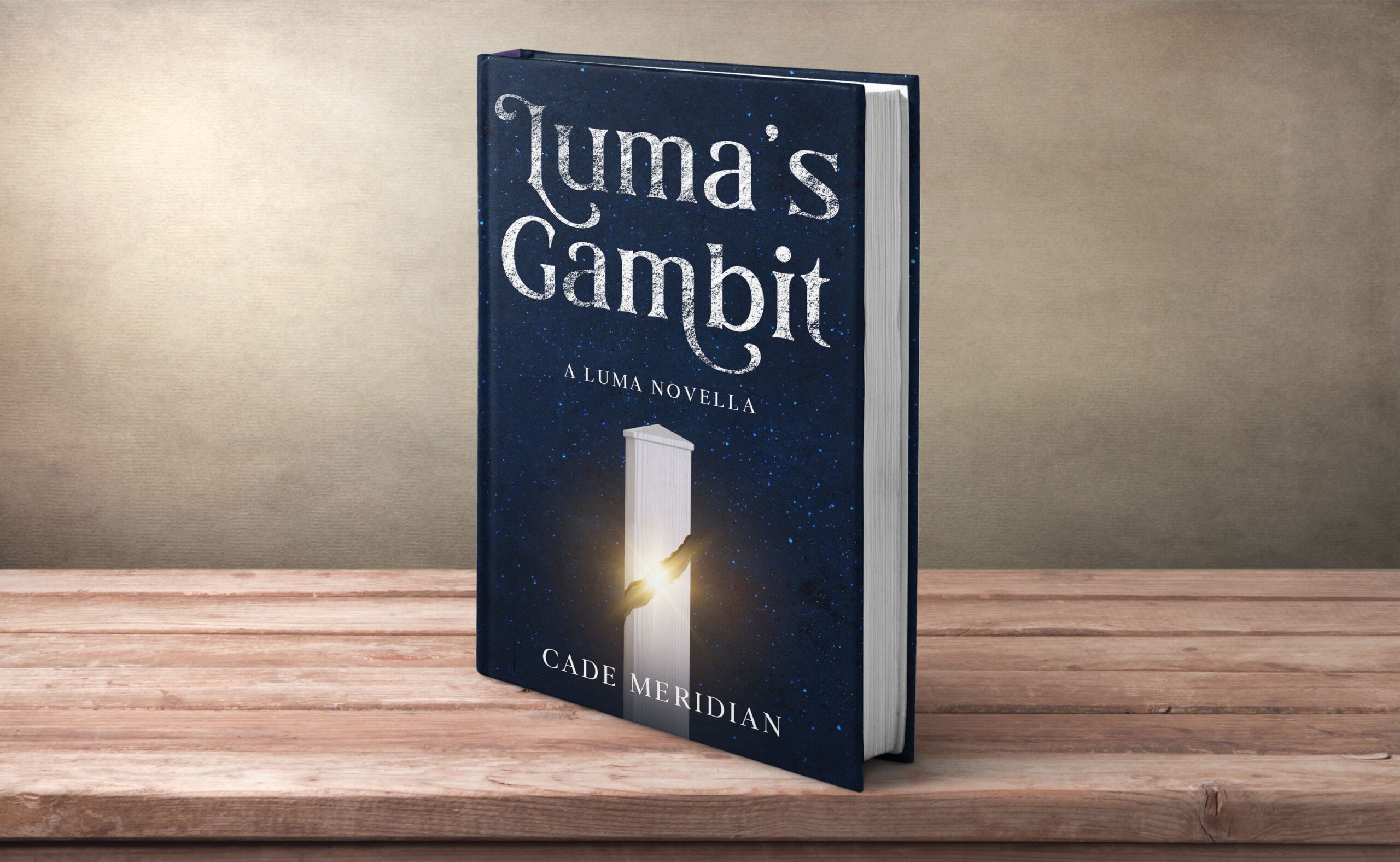
Book cover design by Getcovers
10 creative ideas to use 3D mockups for book promo
With the right idea, even a single image can spark curiosity, build trust, or drive clicks. Here are ten creative ways to make your book mockups work harder for your marketing.
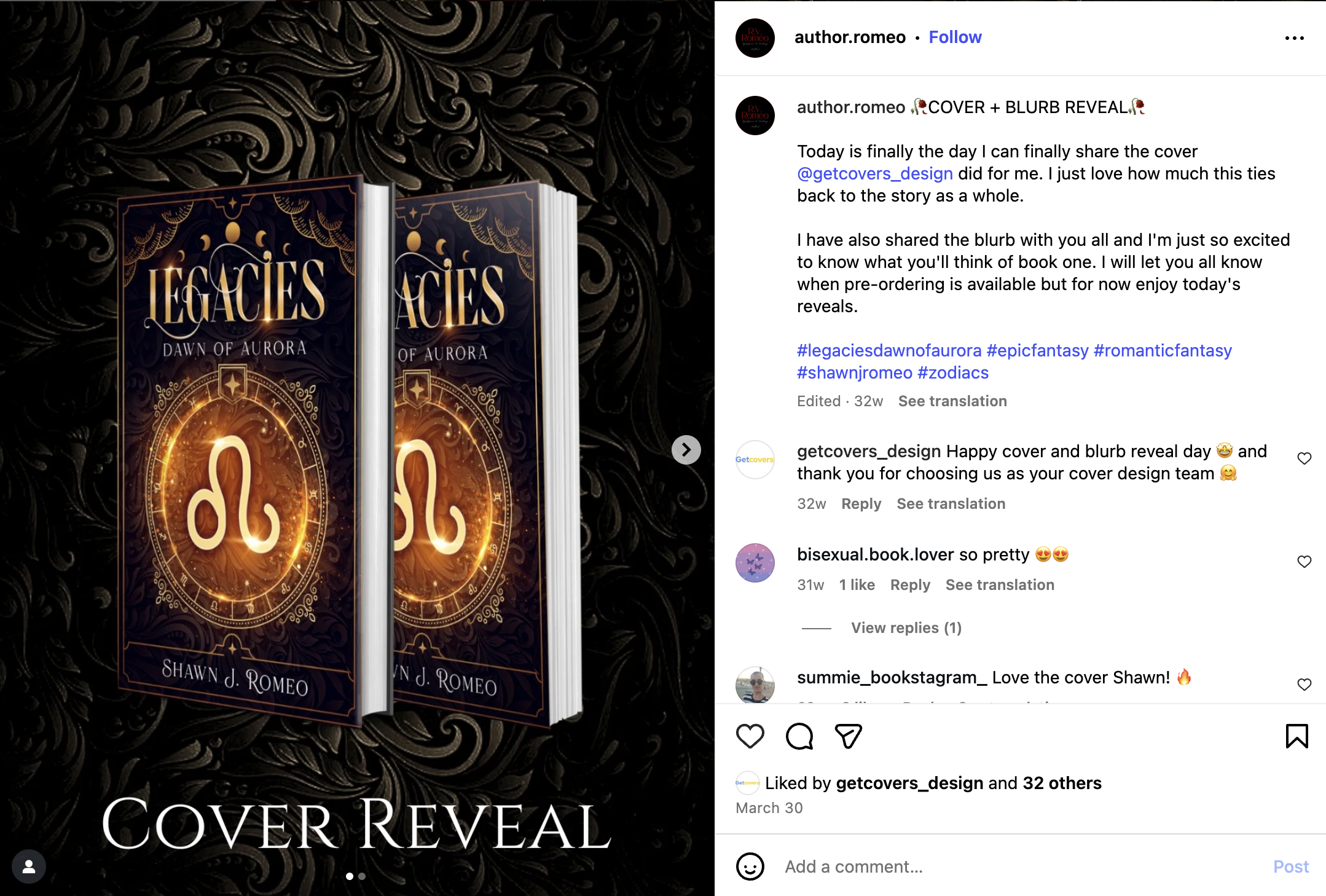
1. Cover reveal
Announcing your new cover is always a big moment. Use a beautiful 3D mockup to make it stand out on social media. Pair it with your release date or tagline, and add a short caption about what the story means to you.
2. ARC announcements
When it’s time to send out advance copies, mockups make your post look clean and polished. Add text like “ARC team open” or “Review copies available” and you’ve got an instant call-to-action. Readers take you more seriously when your promo looks professional.
3. Preorder promotions
Use a 3D mockup to remind readers your book is already up for preorder. Add your release date, tagline, or quote from the blurb. When people see a real-looking book, it makes the whole thing feel more official like it’s already waiting for them.
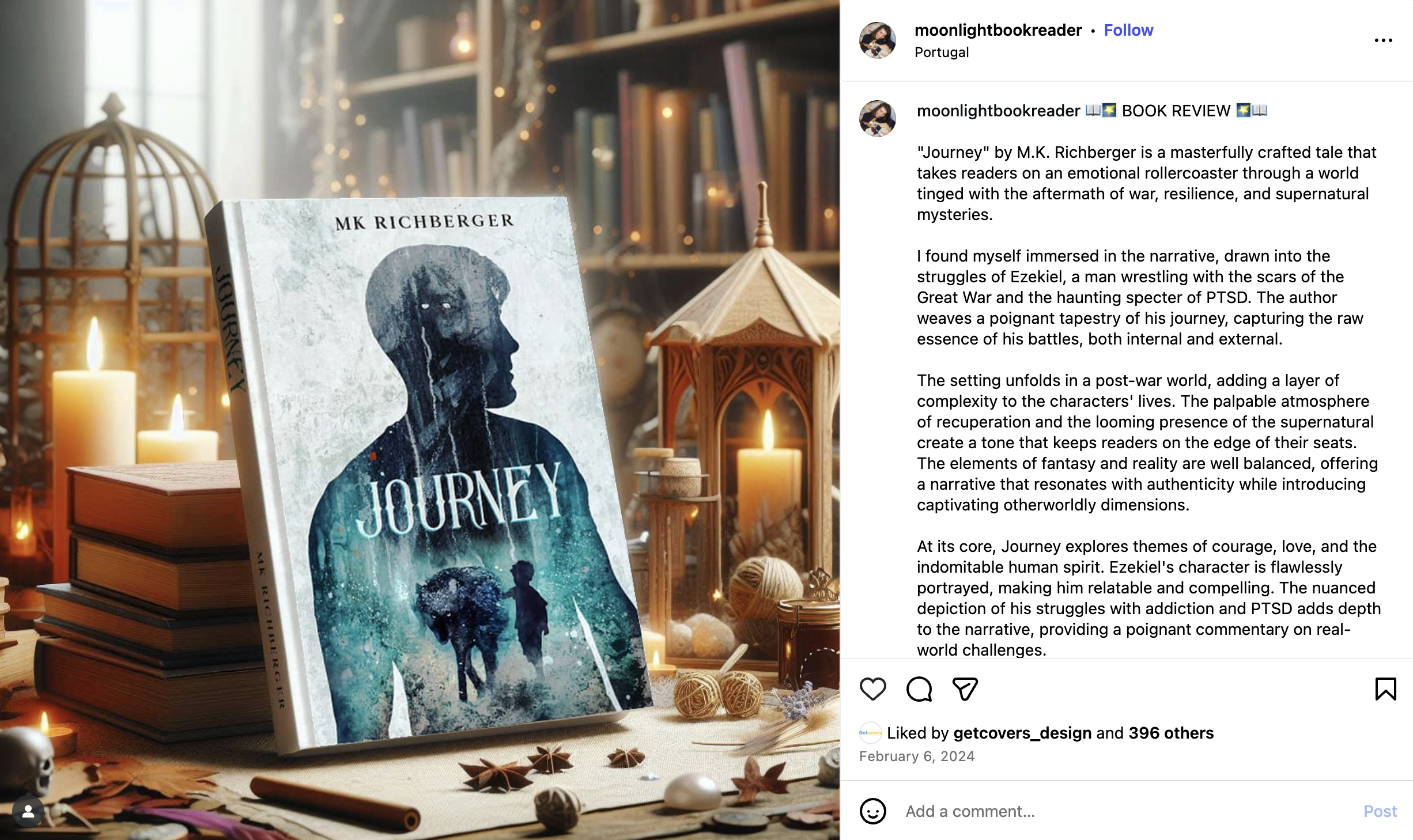
4. Reader review graphics
Got a nice review? Turn it into a post! Add one or two sentences from the review next to your book mockup. It’s an easy way to show credibility without sounding like you’re bragging.
Learn how to get more book reviews in our blog post.
5. Website banners
Your website is your online home, so make sure it looks the part. Add mockups to your homepage or “Books” page to instantly make it feel more alive. Even one realistic image can make a big difference.
6. Pinterest pins
Pinterest loves beautiful, vertical images, and mockups fit right in. Create pins that link to your store, your website, or your mailing list. Add a short line about your genre or tagline, and you’ve got content that works for you 24/7.
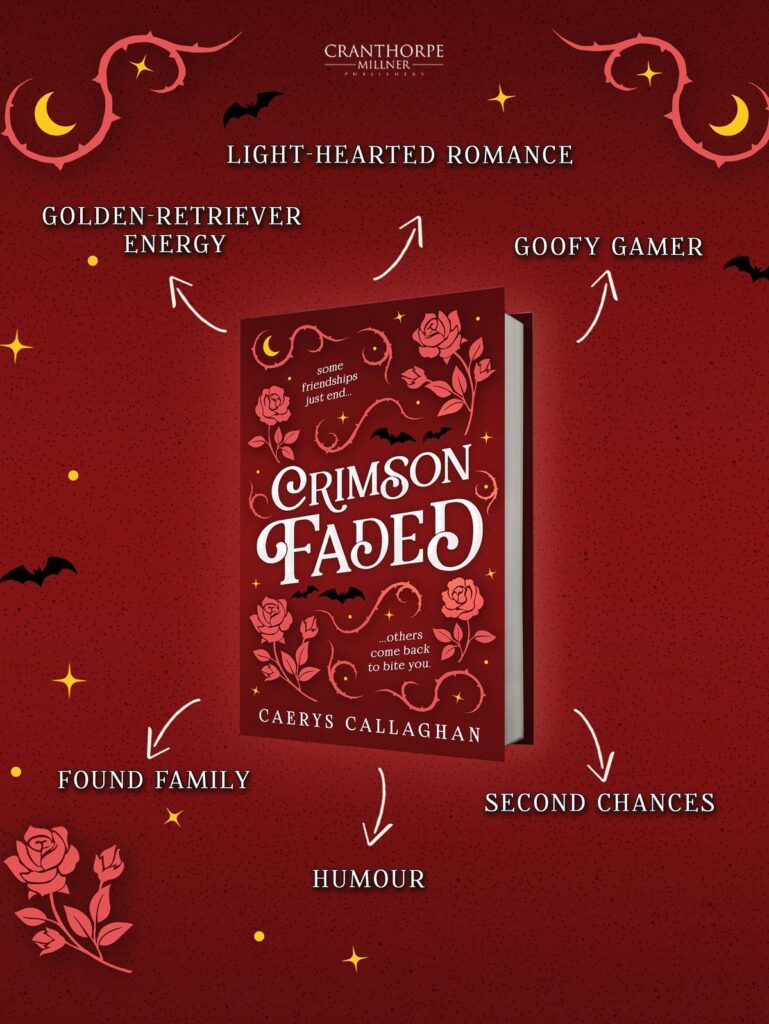
7. Series announcements
If you have more than one book, line them up together in a single image. It shows how the series fits as a whole and helps readers recognize your style at a glance. Perfect for when you’re releasing book two or three.
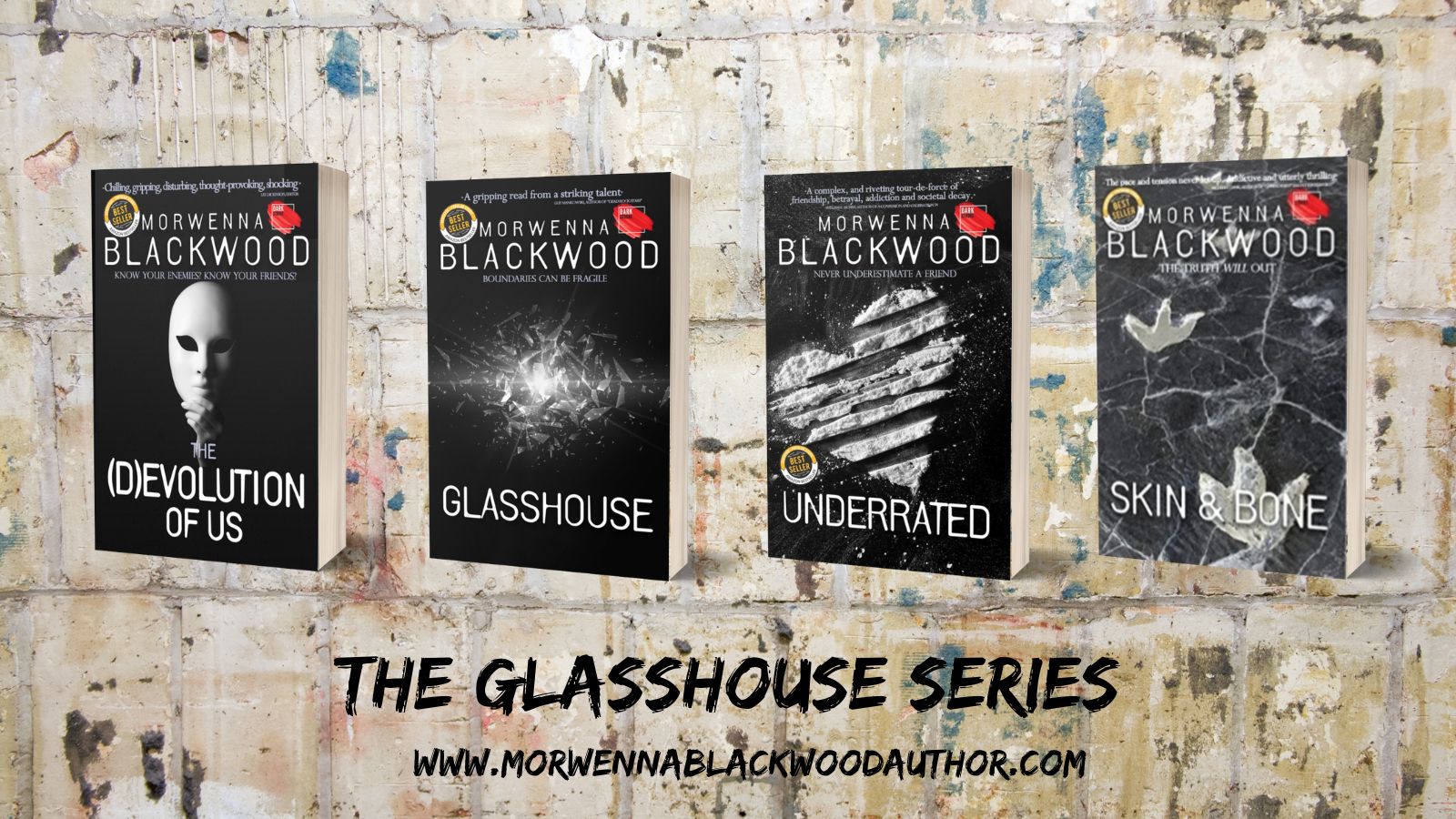
If you want to know more about effective series cover design, check out our blog post.
8. Book signing announcements
Hosting a signing or author event? Combine your mockup with the date, place, and a quick “See you there!” It’s a nice way to make your announcements look more put-together, and remind readers your book exists in the real world.
9. Ad creatives
If you’re running ads on Facebook or Instagram, use mockups that look natural, like your book on a table, in someone’s hands, or next to a coffee cup. Realistic images grab attention much faster than plain covers on a flat background.
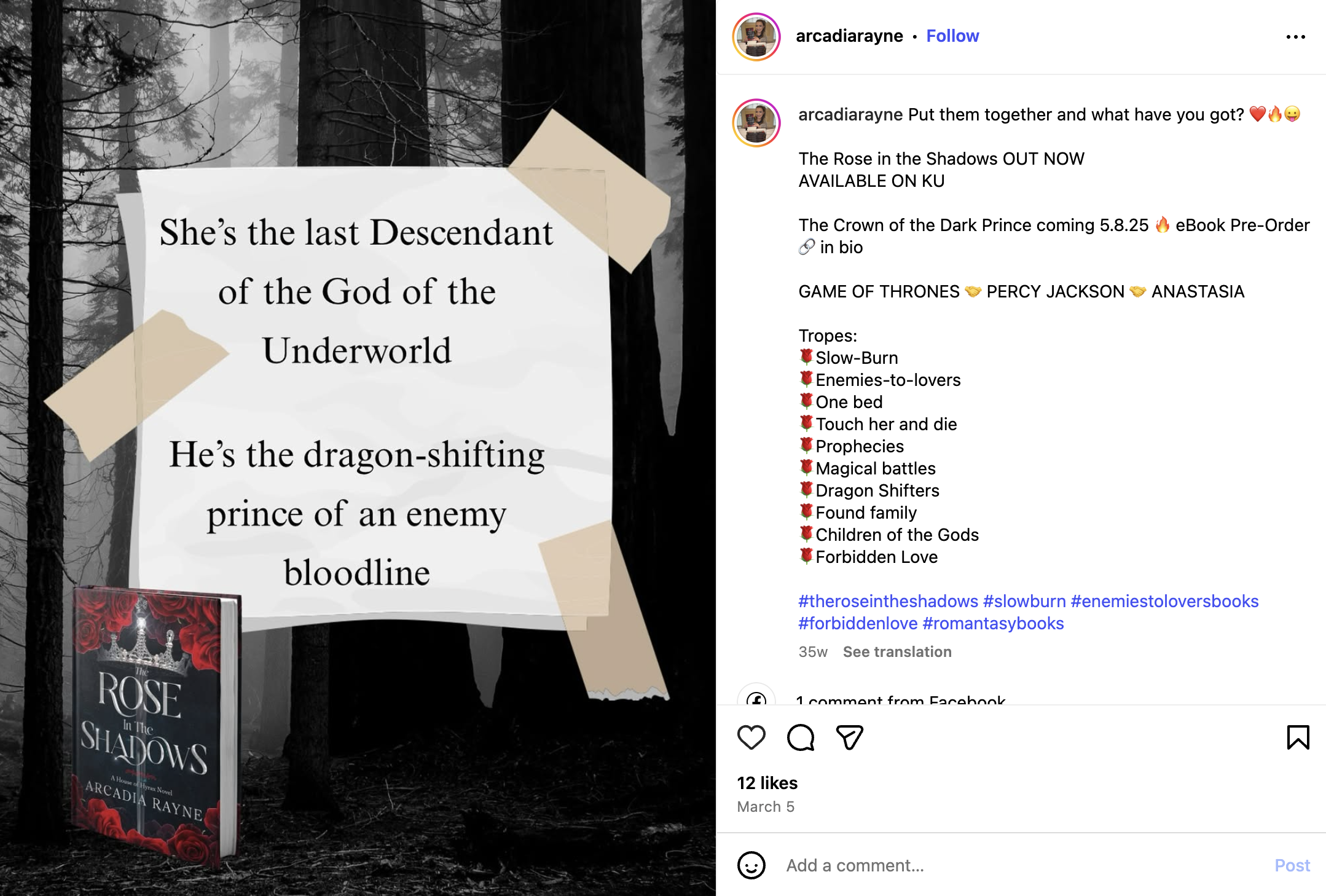
10. Seasonal or themed posts
Switch up your visuals for holidays or seasons. Add snow in December, flowers in spring, or spooky props for Halloween. A small update to your mockup background keeps your content fresh all year long.
Summing up
Thus, book mockups are small tools with a big impact. They help you show off your work, build anticipation, and keep your visuals consistent across all platforms.
Let’s recap ten ways to use them:
- Cover reveals
- ARC announcements
- Preorder promotions
- Reader review graphics
- Series announcements
- Pinterest pins
- Website banners
- Ad creatives
- Book signing announcements
- Seasonal or themed posts
Which of these ideas do you love most? Tell us in the comments, as we’d love to know how you use book mockups to promote your stories.


